
01

Men’s groups & women’s circles
Growth, support, reflection, sisterhood, brotherhood, and life transitions.
 Private Beta
The Talking Stick Platform Free During Beta
CircleUp brings small groups together in a beautiful shared setting where one person speaks, everyone else listens, and real connection has room to grow.
Join on a computer using Chrome, Firefox, or Safari. Designed for presence.
The feeling of gathering
Everyone arrives in the circle. The shared setting draws your attention inward. The pace softens.
When someone begins to speak, the rest of the group can simply listen. There is no need to compete for the moment or wonder when to jump in. Each person has a place, a turn, and the experience of being received.
Less performing.
More presence.
More room for what is real.
The rhythm of a circle
From the first arrival to the final reflection, CircleUp keeps the experience simple and human.
Open your invitation on a desktop or laptop computer using Chrome, Firefox, or Safari, and take your place. There are no participant accounts to create.
Gather around a setting chosen for the group’s purpose—a fire, candle, ocean, forest, altar, or another world.
One voice is heard at a time. Everyone else can give that person their full attention.
Press the spacebar when you are ready. Your place glows, showing that the talking stick is with you.
When you are complete, press again. The talking stick moves to the next person who is ready.
People were seen, stories were held, and the group moved closer together.
One screen. A shared circle.
Room to be present.
Designed for presence
To help everyone feel connected and less distracted, CircleUp gatherings are available only on a desktop or laptop computer using Chrome, Firefox, or Safari.
CircleUp is intentionally designed for computers, not mobile phones. Joining from a computer helps everyone settle into the shared space, listen more deeply, and give one another their full attention.
Please join your circle from a computer. Mobile phones and tablets are not supported for participation.
The talking stick
CircleUp’s talking stick gives each person uninterrupted space to speak. While one person shares, the circle listens. When they are complete, the talking stick passes on. The rhythm is simple, visible, and easy to understand.
This talking-stick format is inspired by the successful and proven ancestral and indigenous council and communication practices used to support attentive listening, shared participation and collective decision-making, as suggested by our Co-Founder Tree Willard, a descendant of the Cherokee Nation.
The impact of being heard
A family therapist shared that, during a CircleUp session, a wife was able to speak without being interrupted by her husband or other family members. For the first time in that conversation, she could complete what she needed to say. The experience of being fully heard shifted the dynamic of the session.
Shared environments
Gather around a glowing fire for warmth, beside the ocean for spaciousness, in a forest for reflection, or around a candle or altar for ceremony. Hosts can choose an image or video that gives each gathering its own emotional tone.
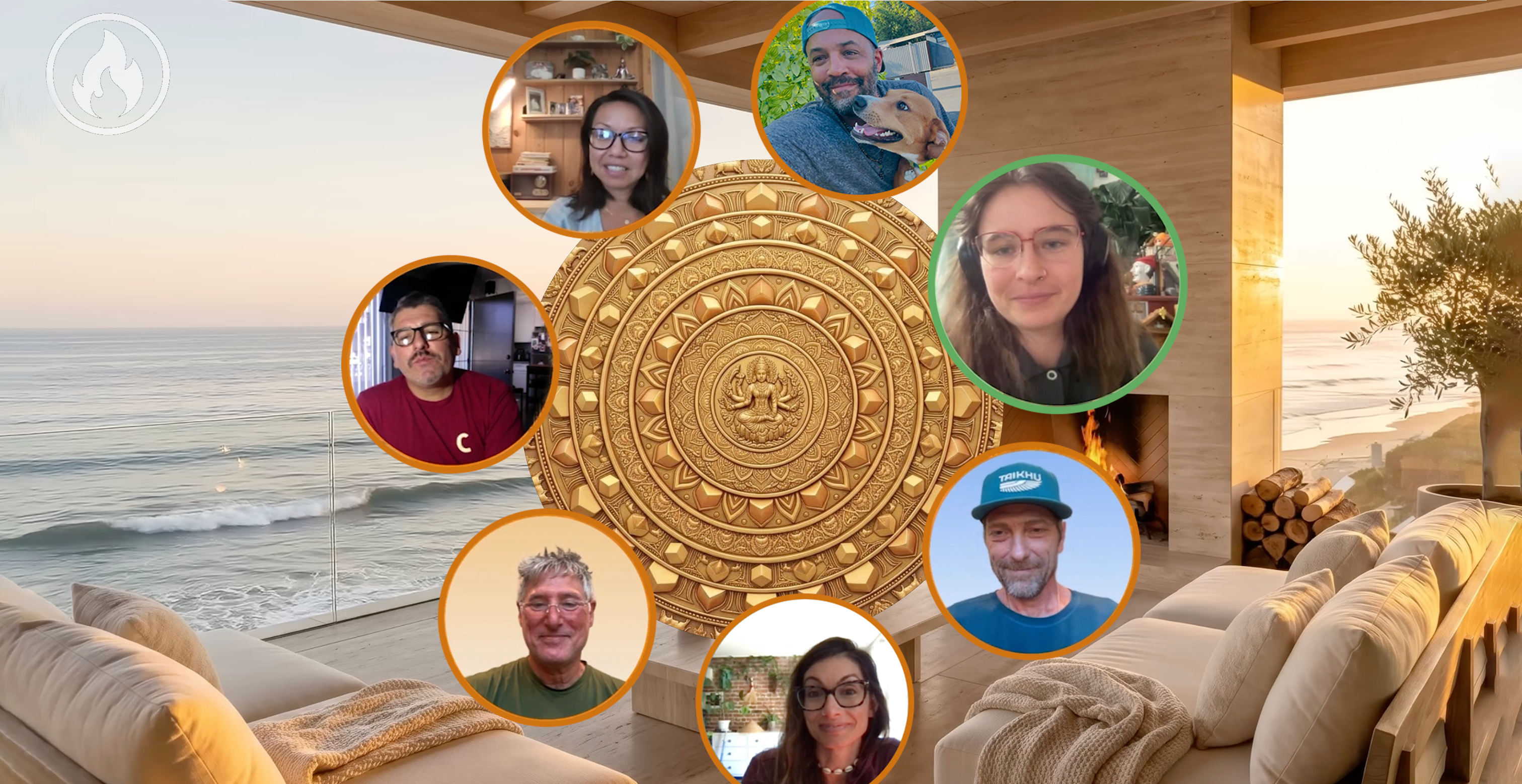
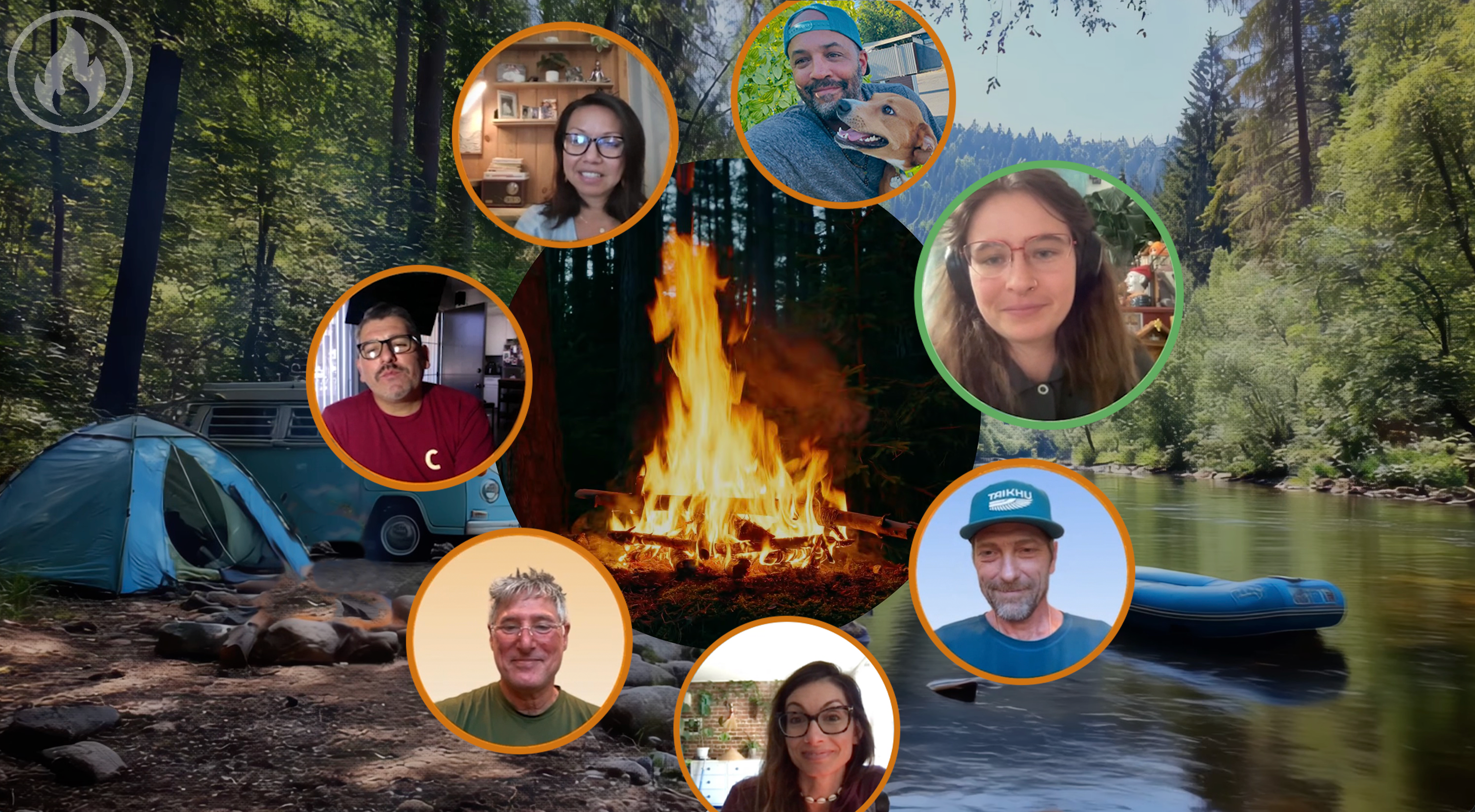
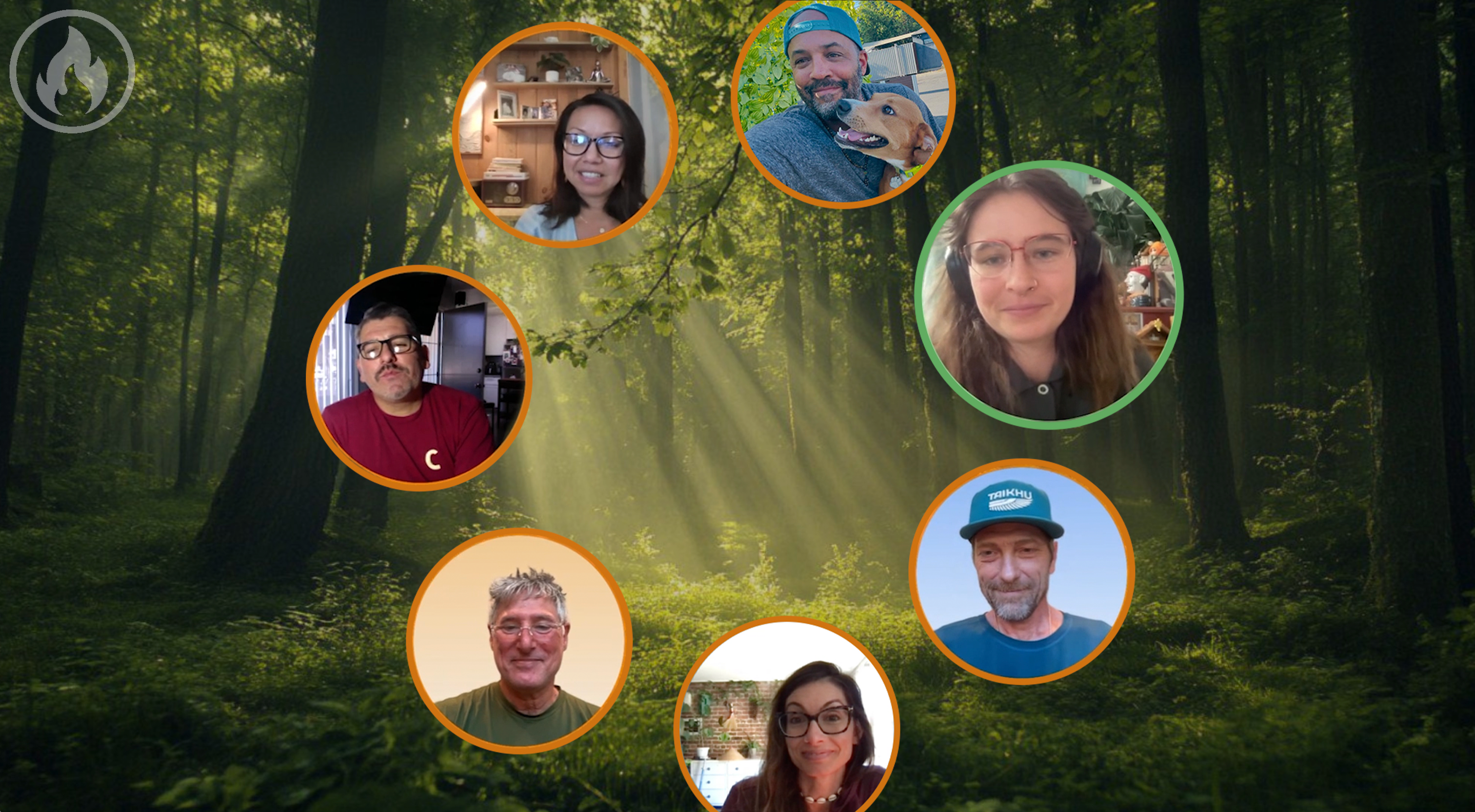
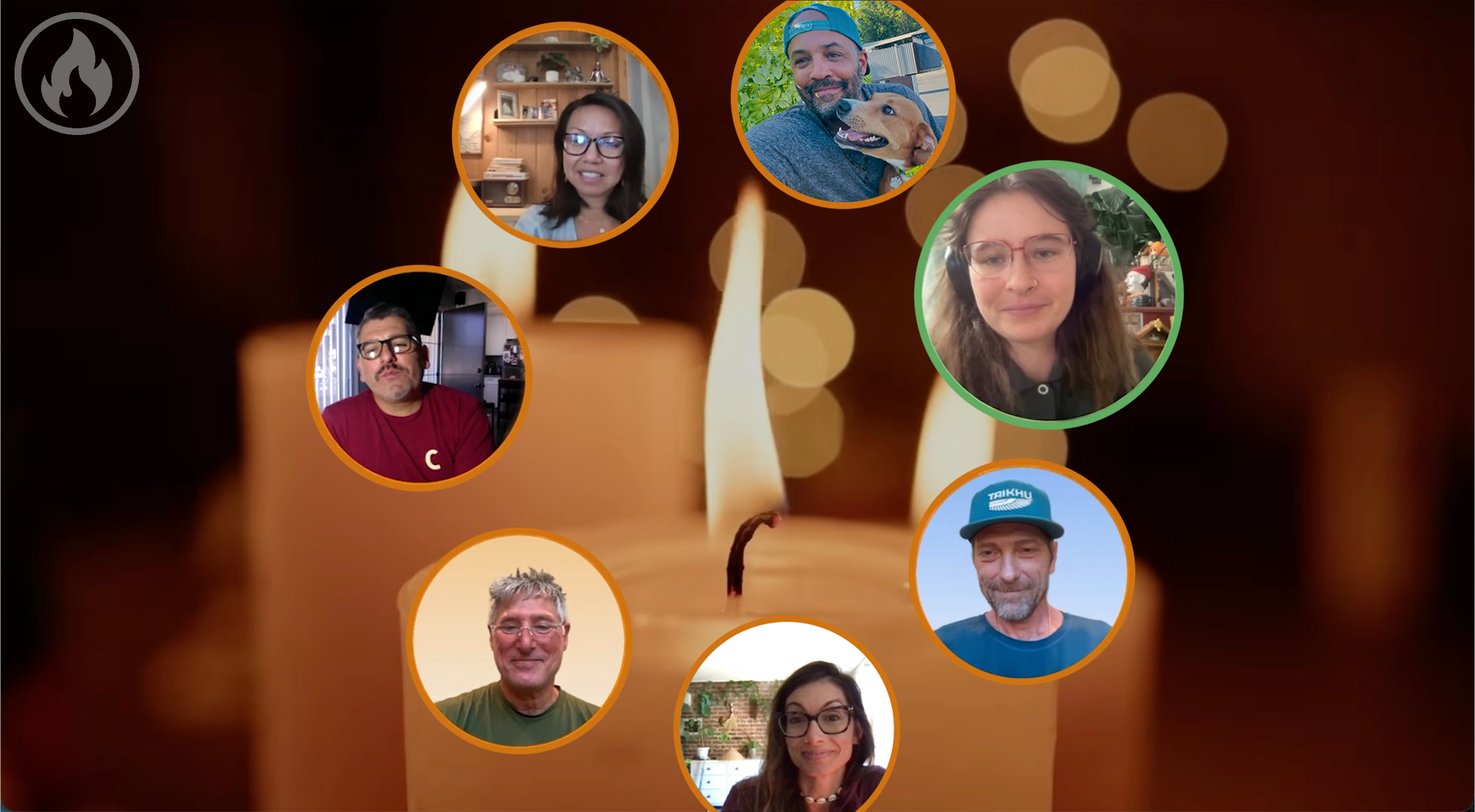
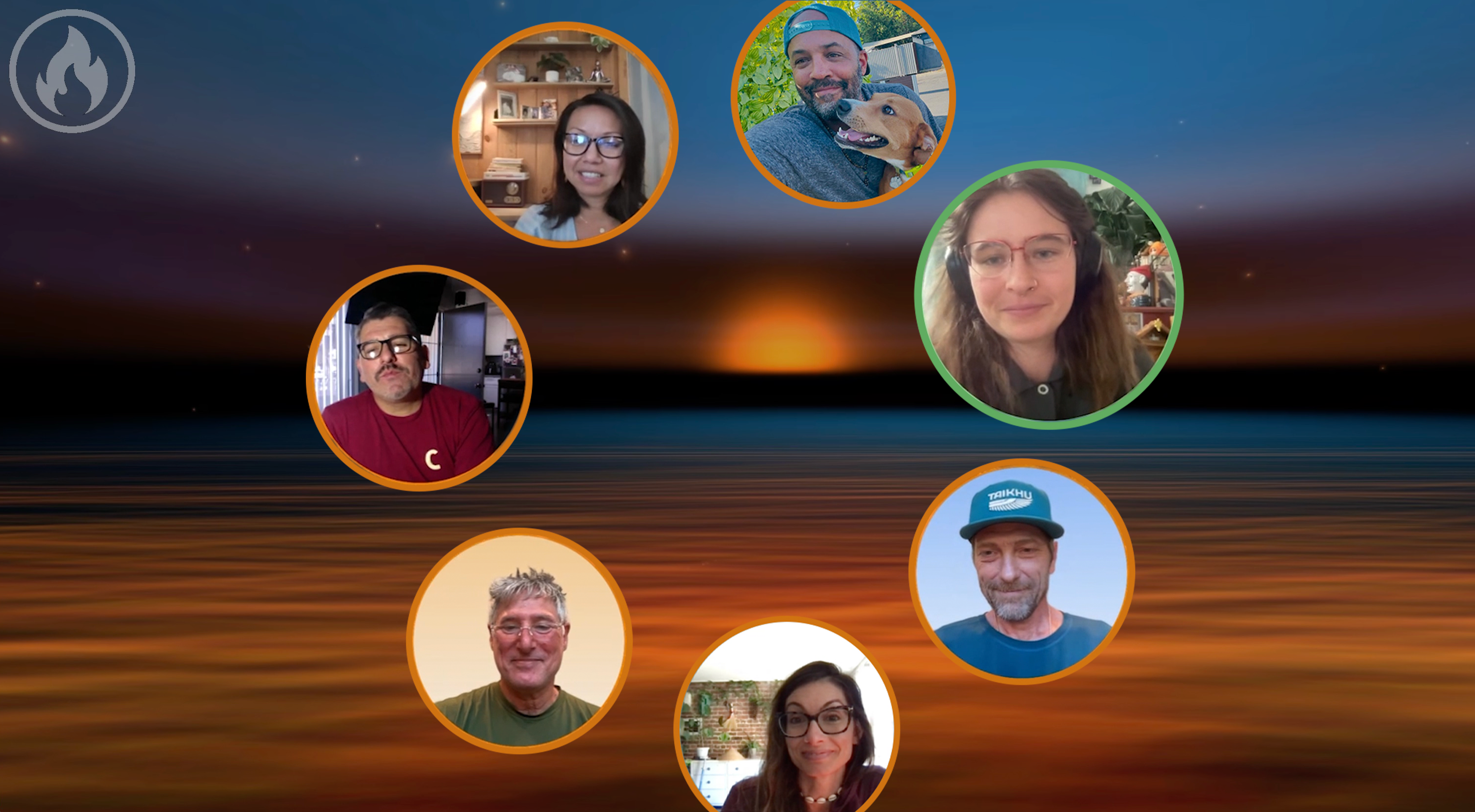
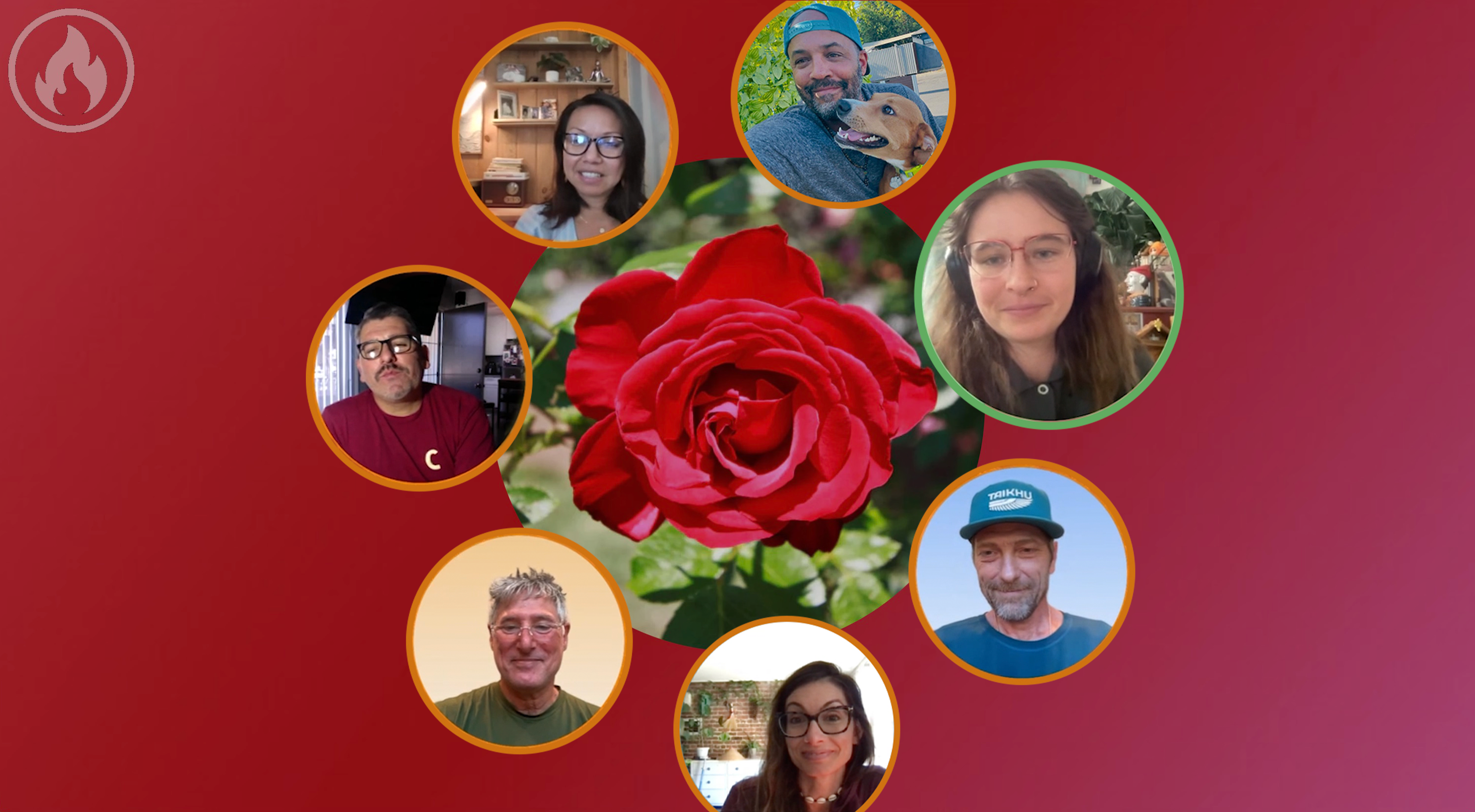
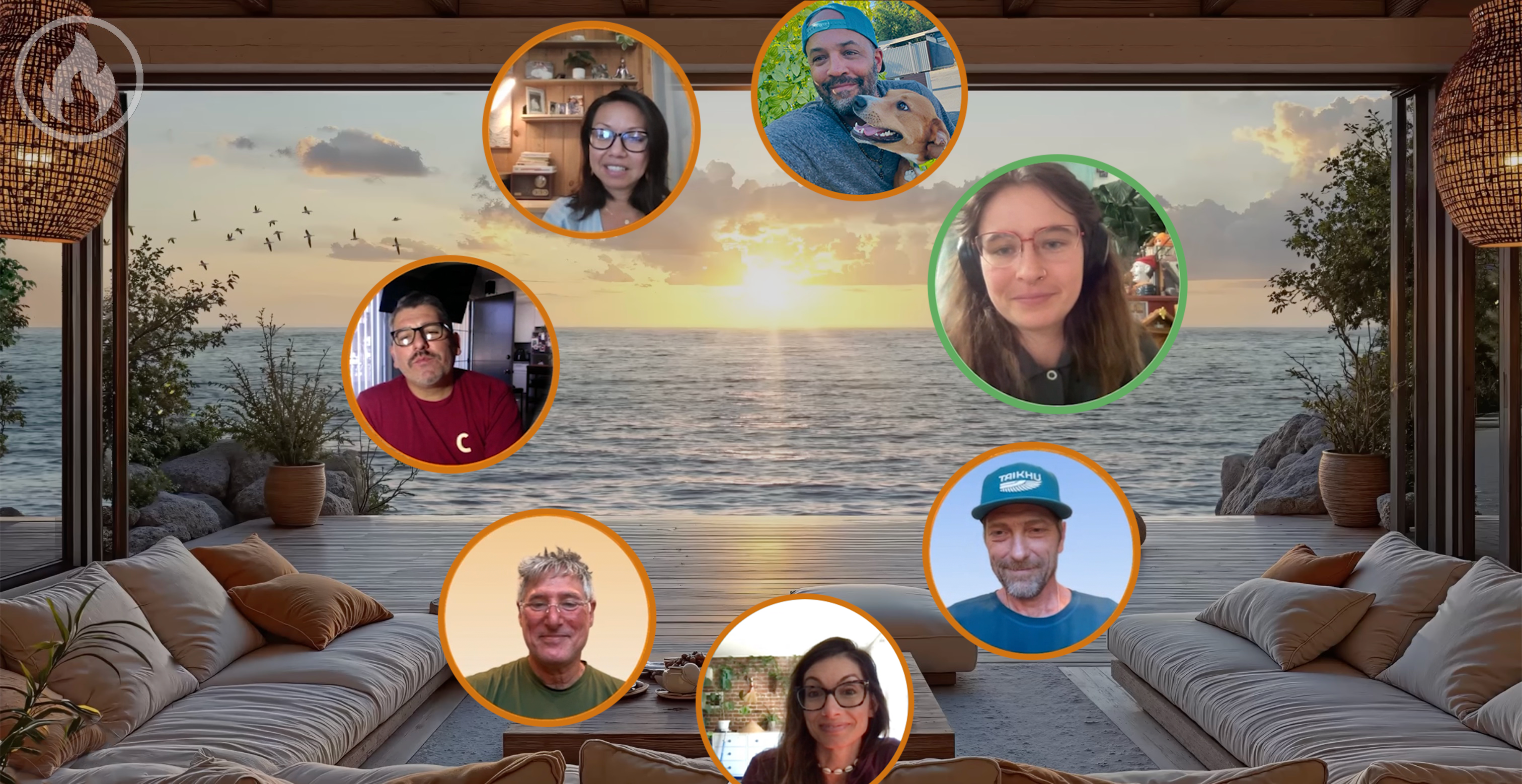
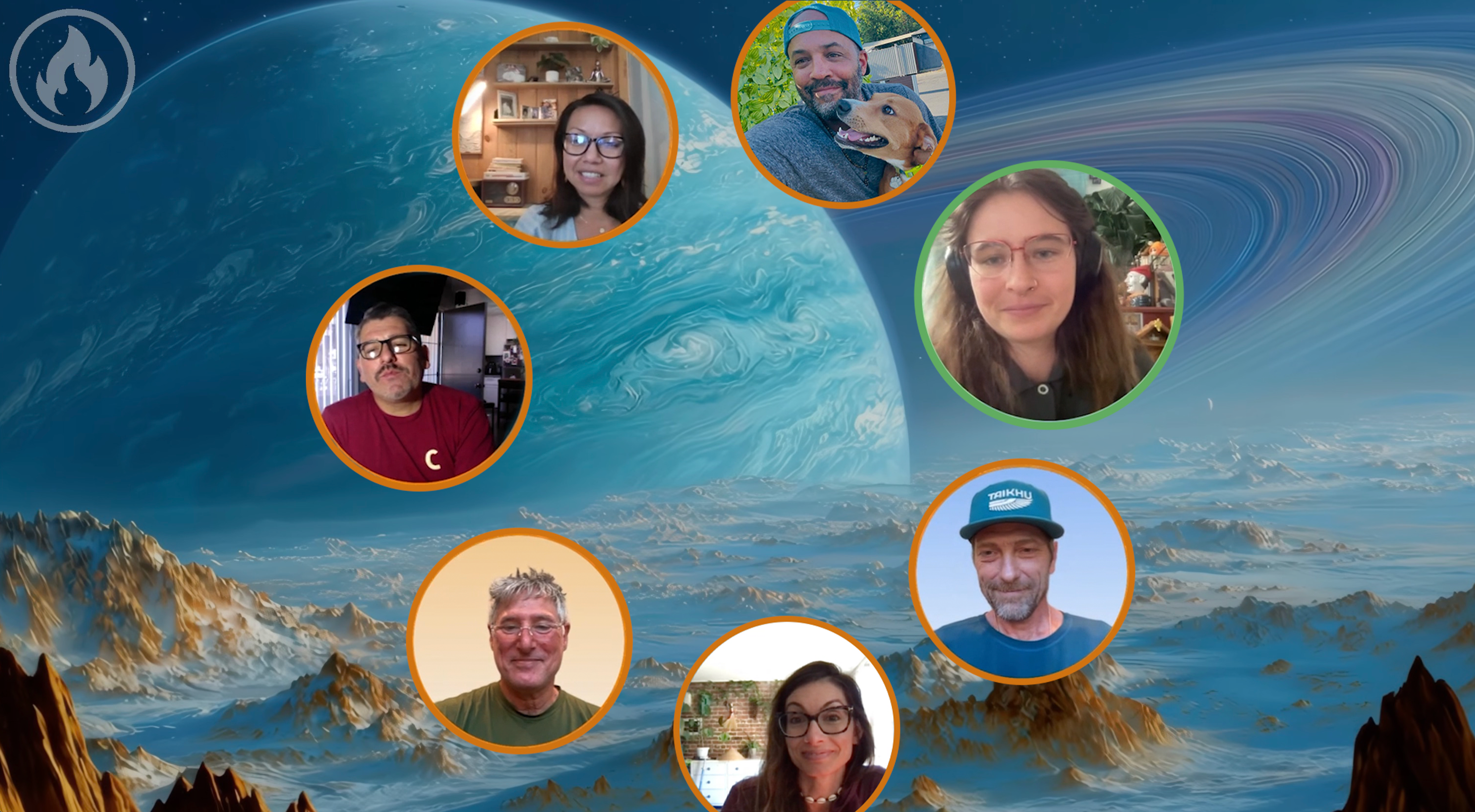
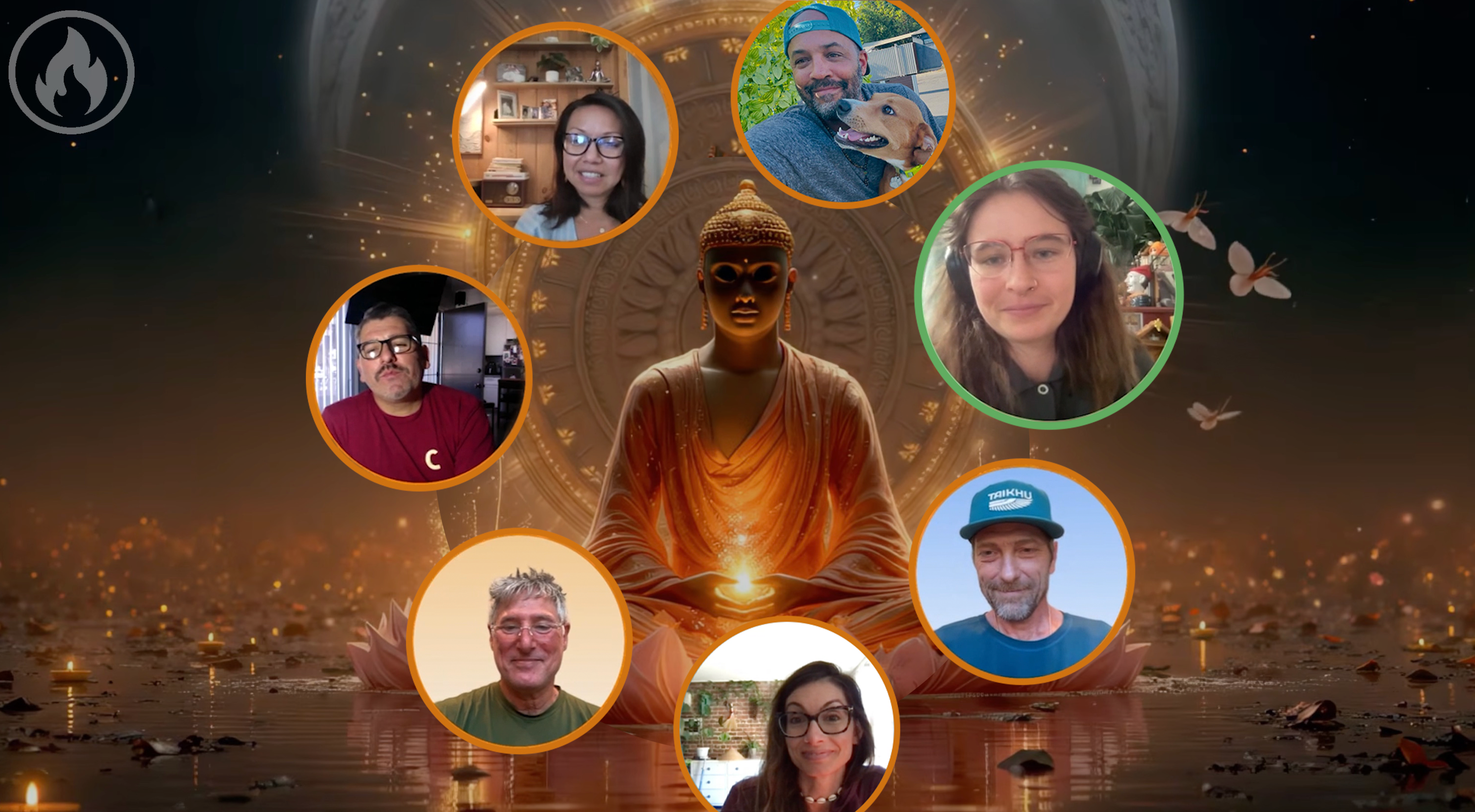
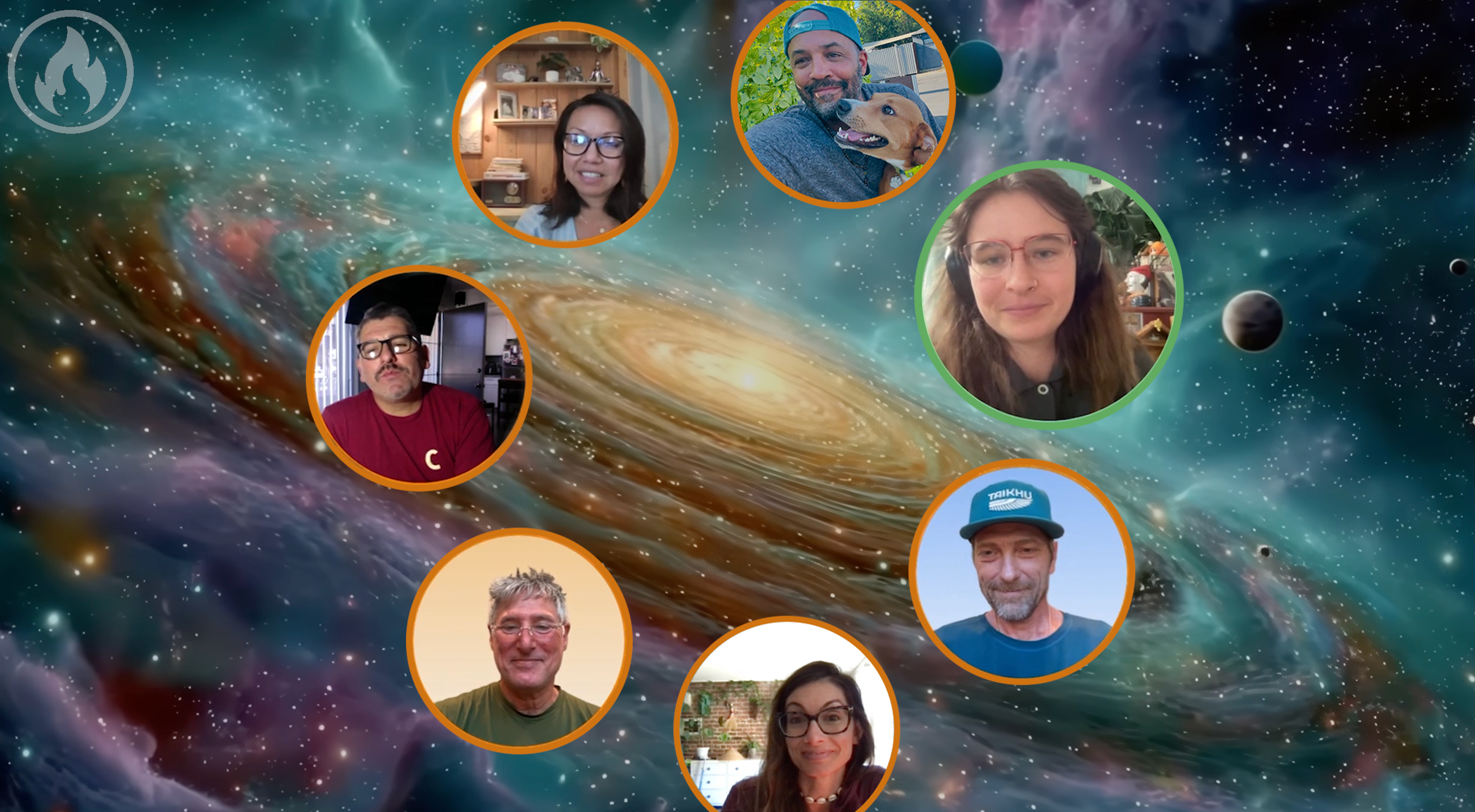
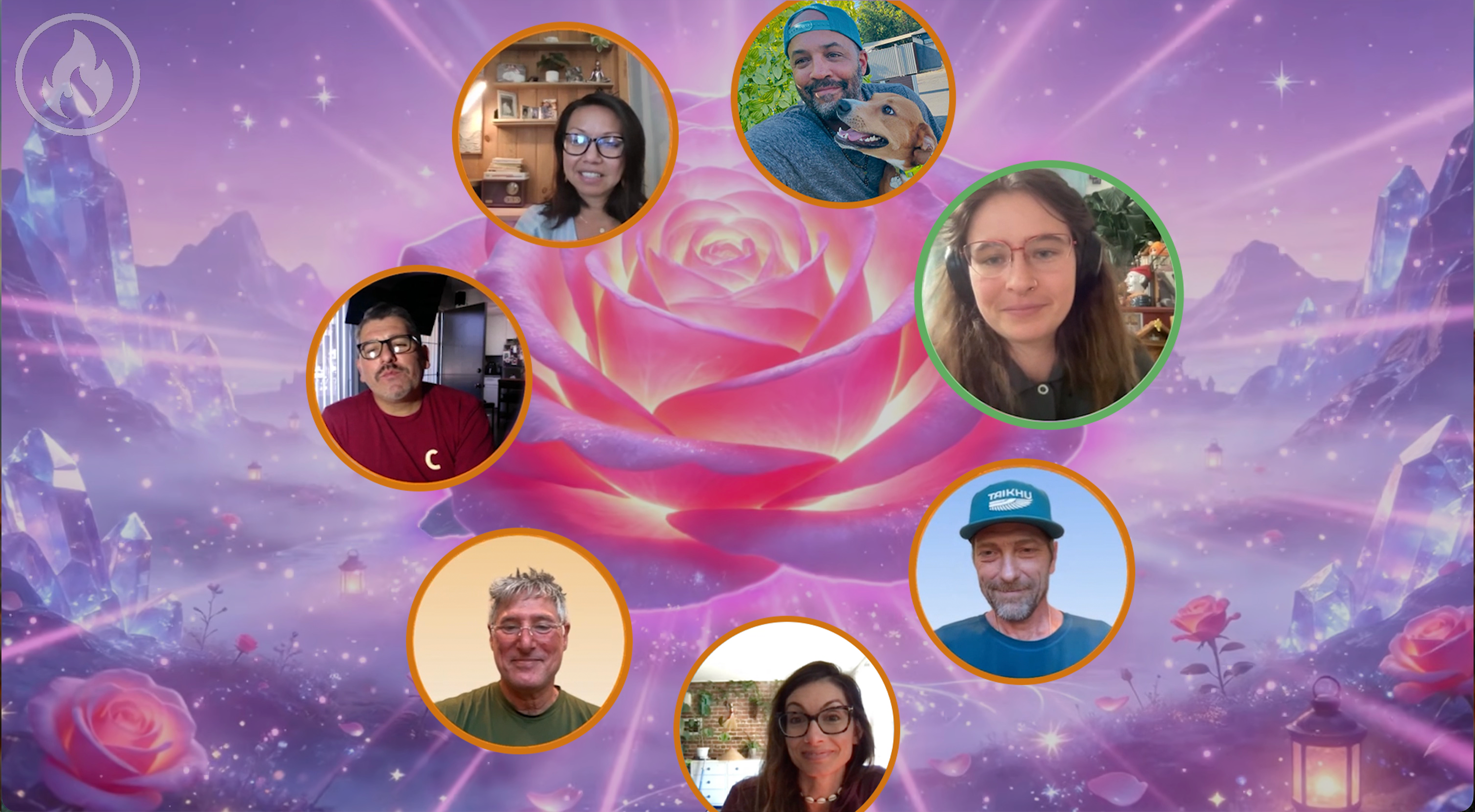
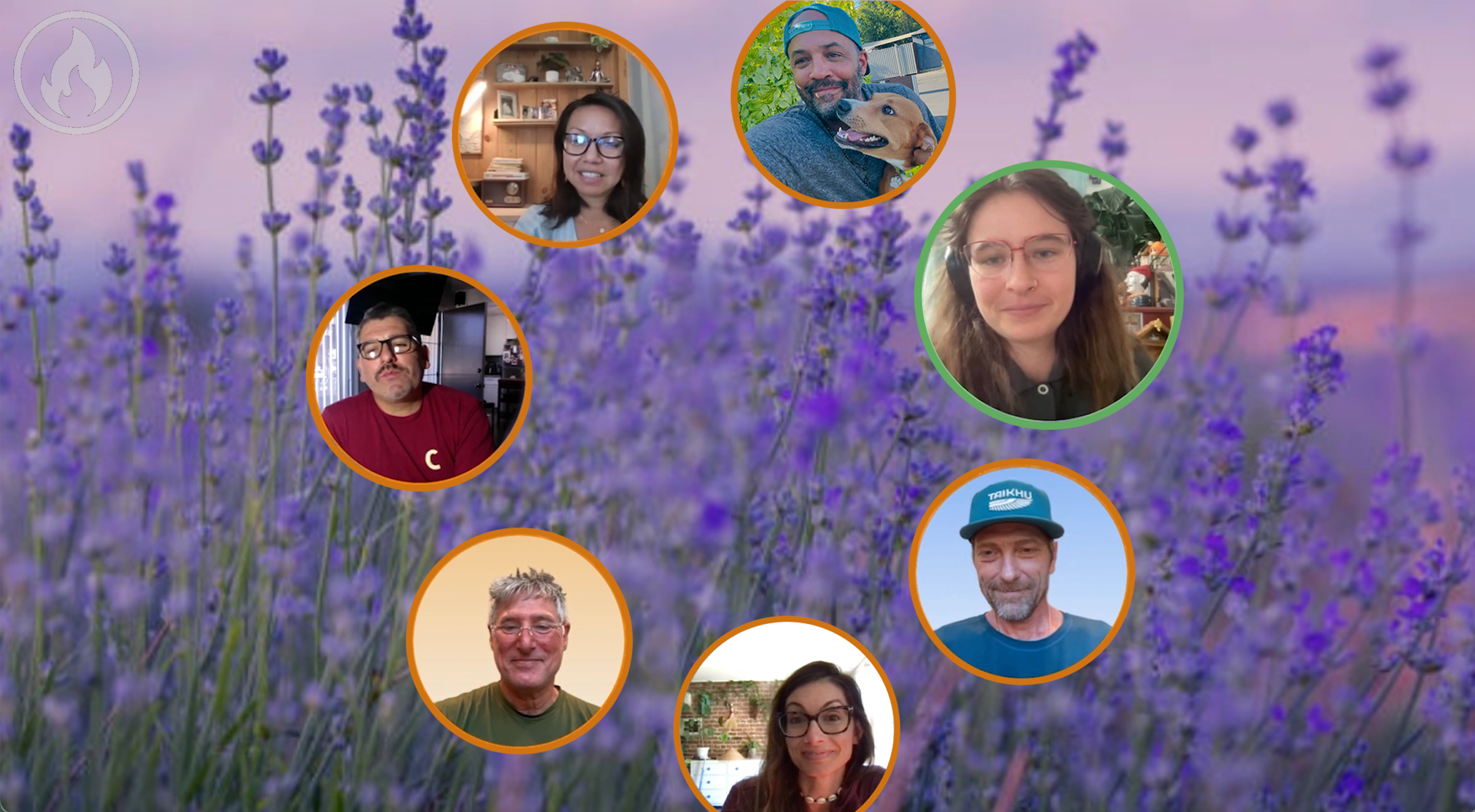
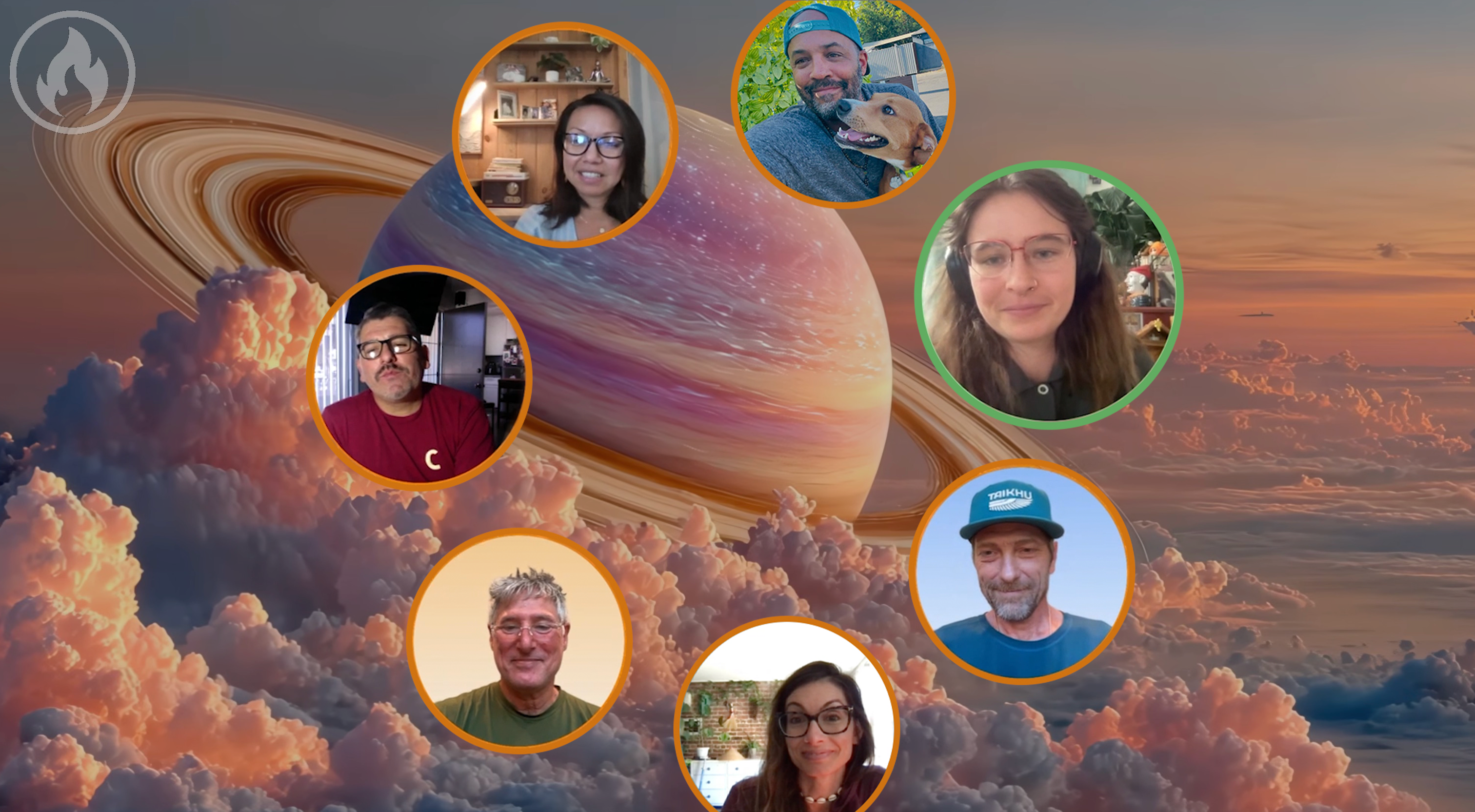
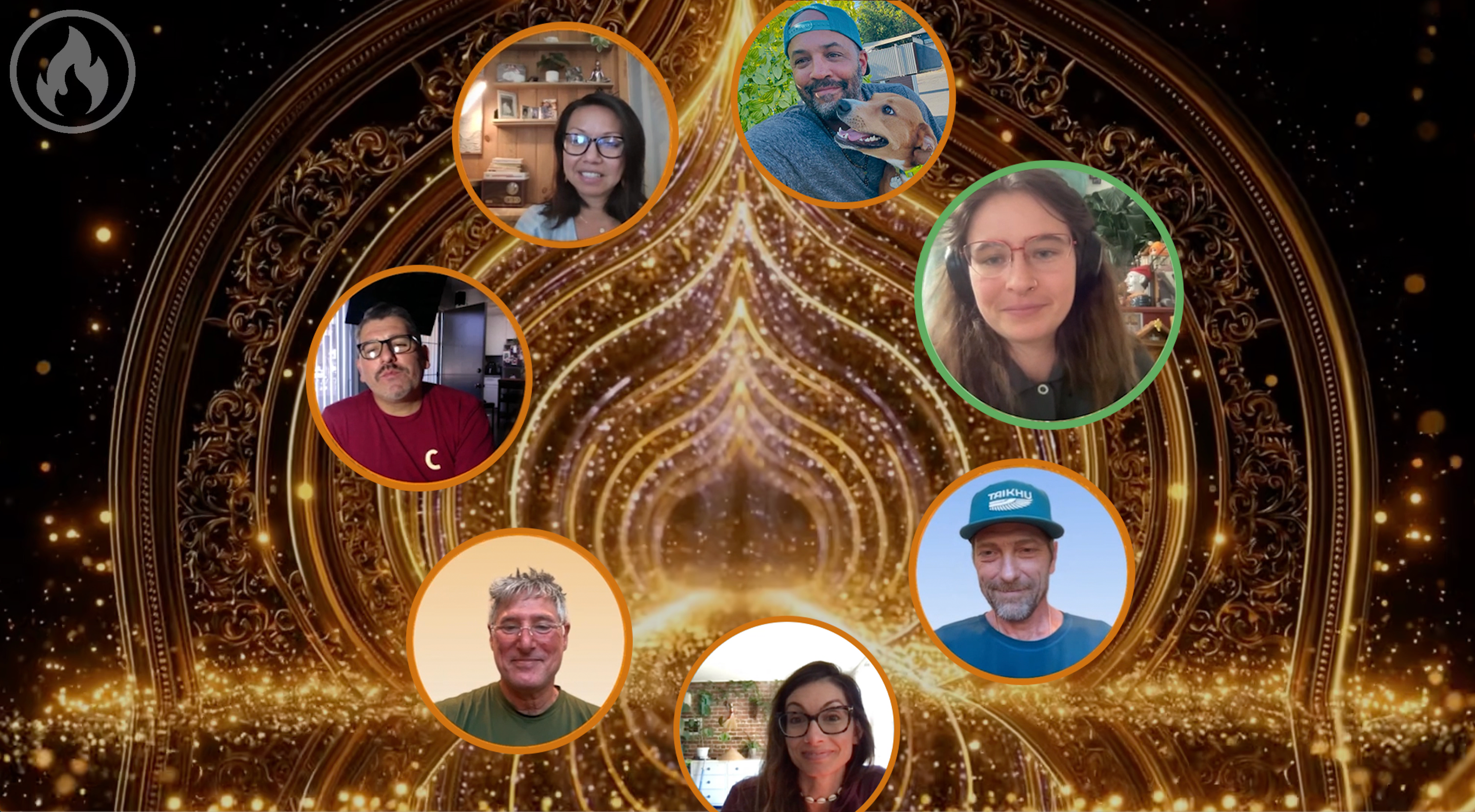
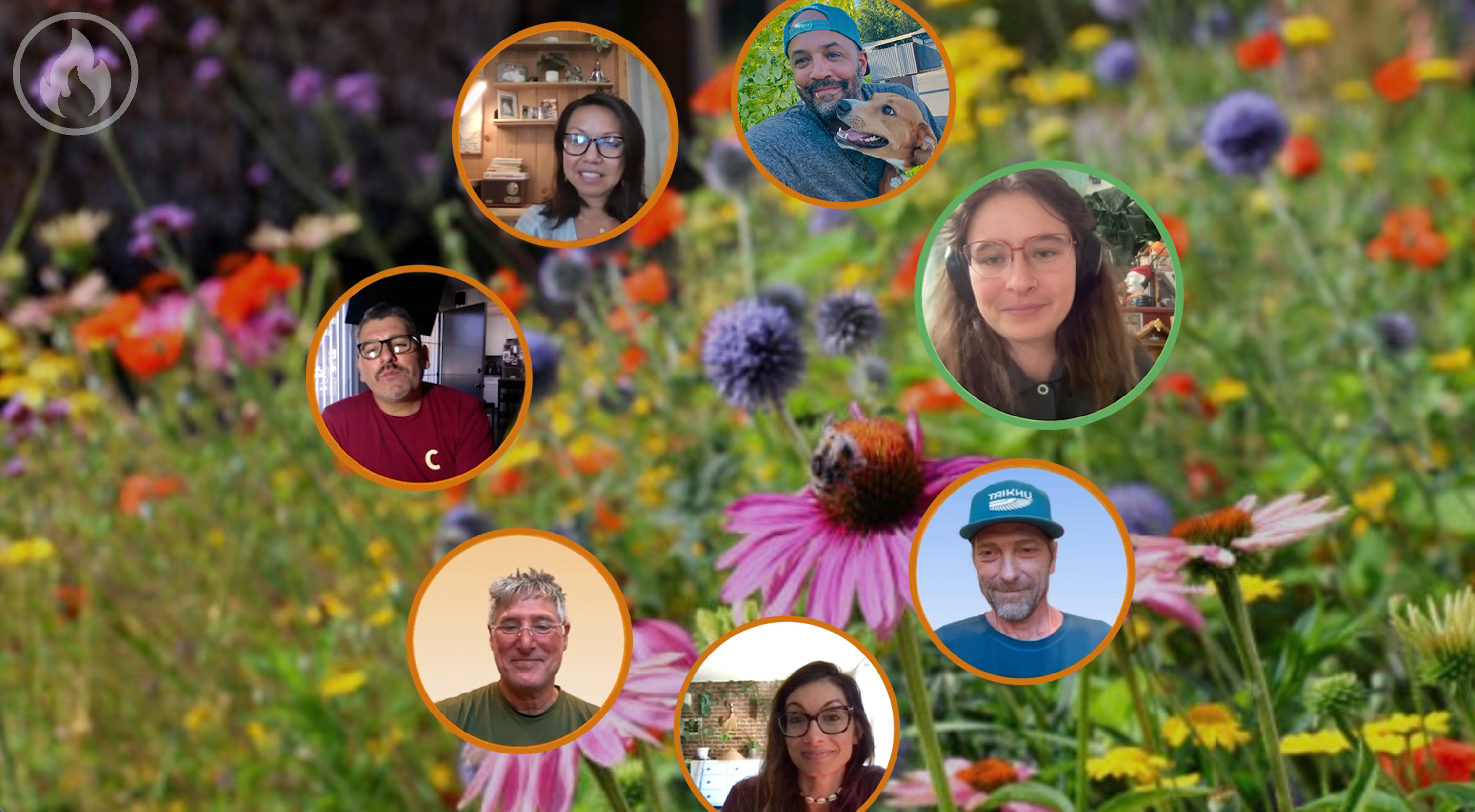

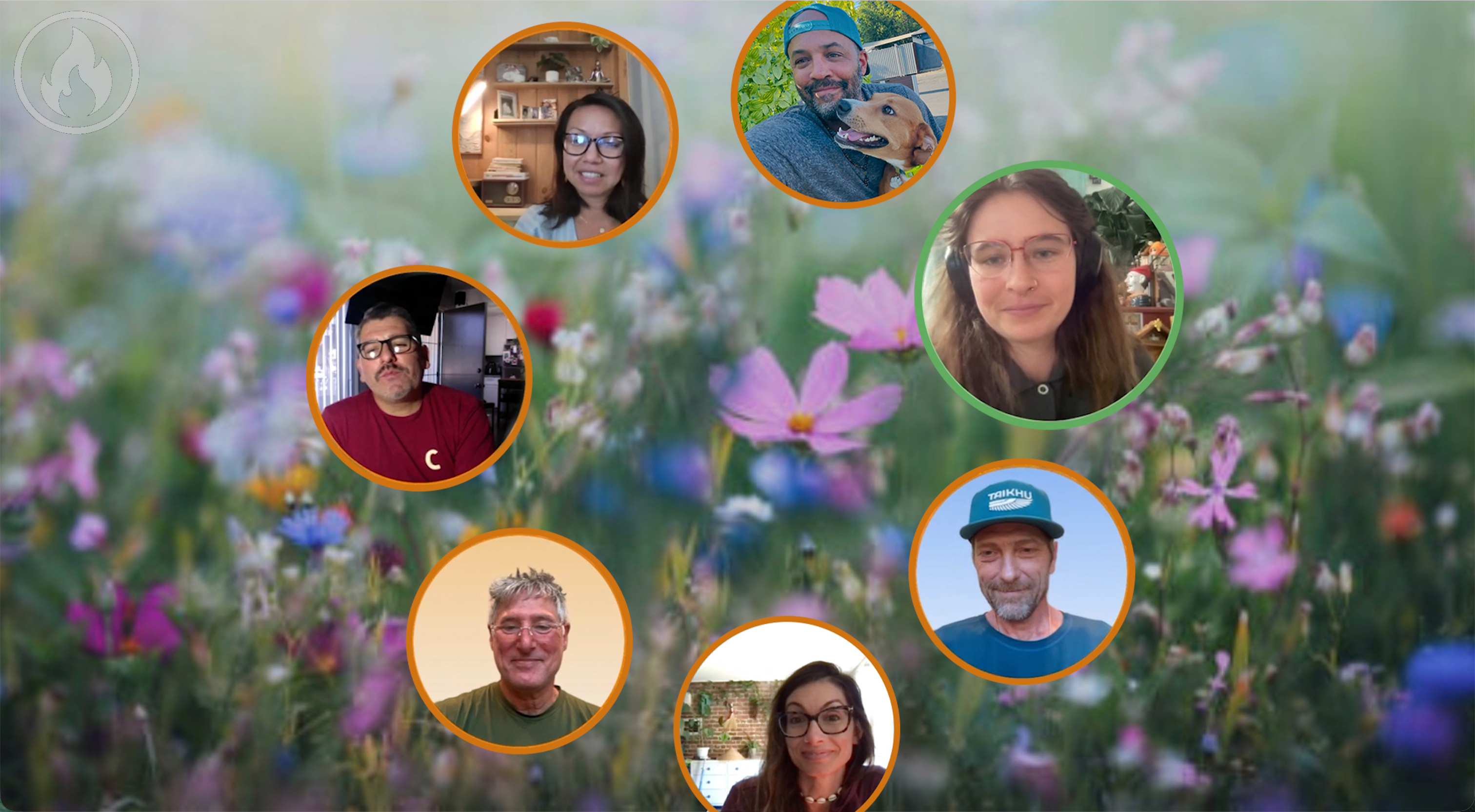
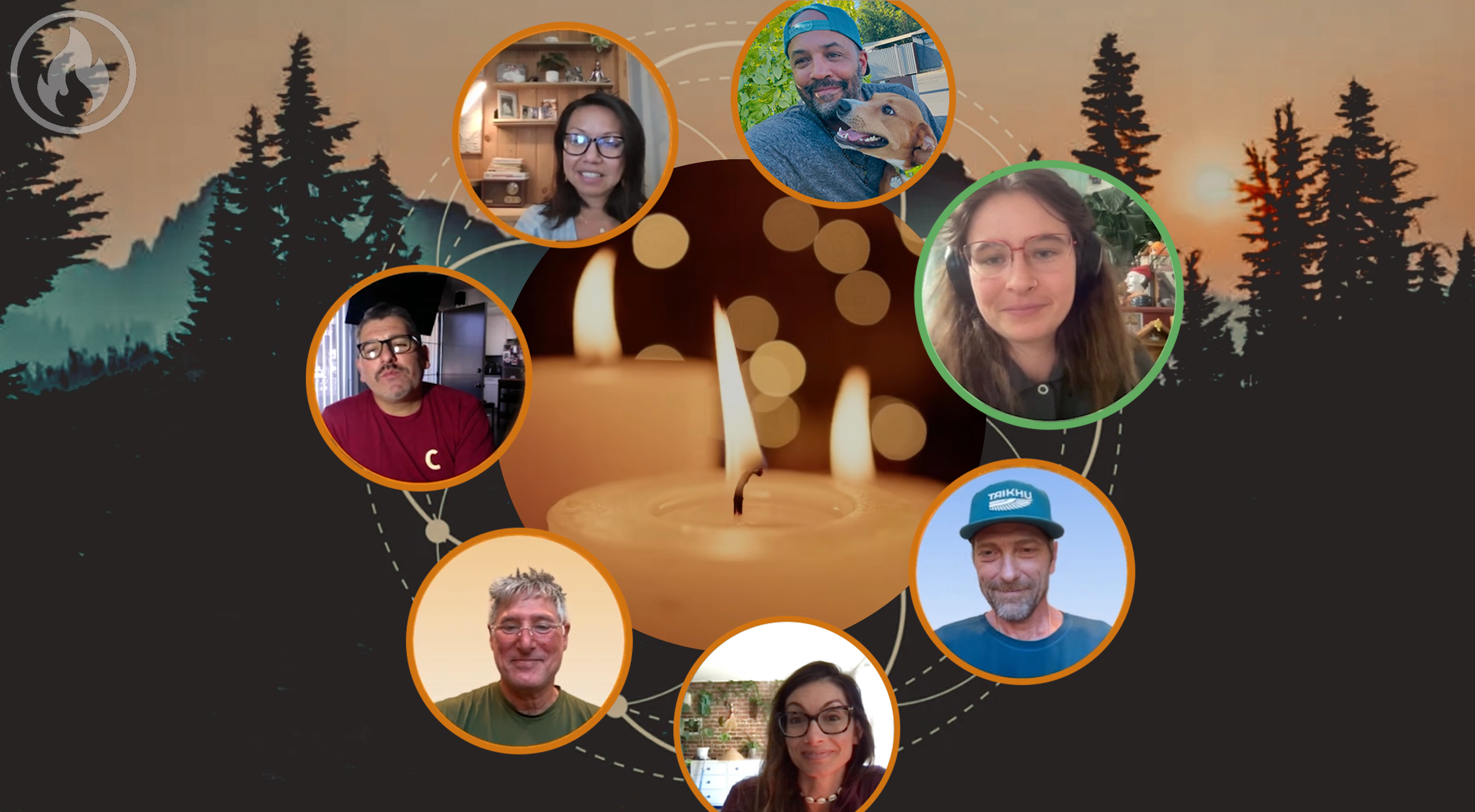
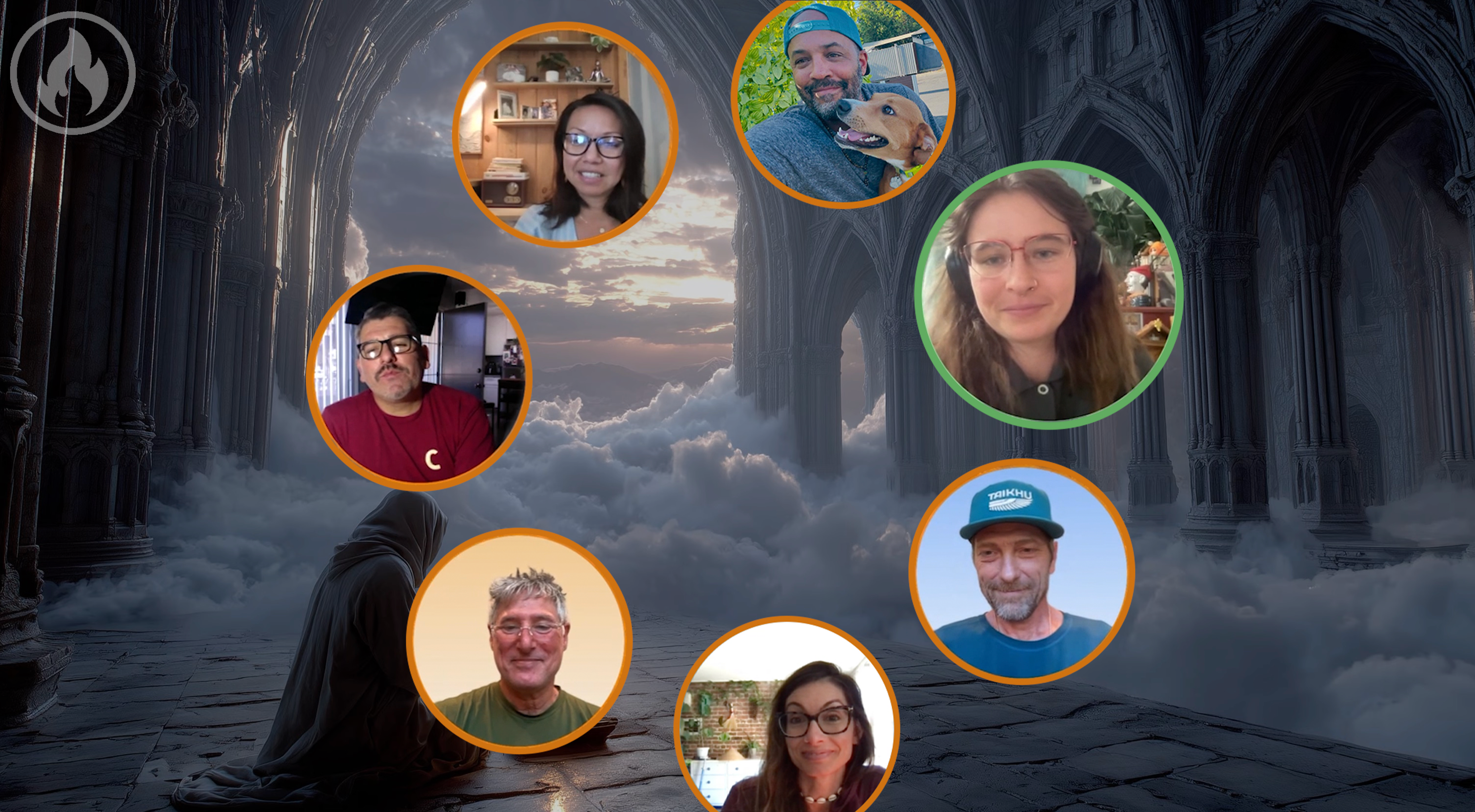
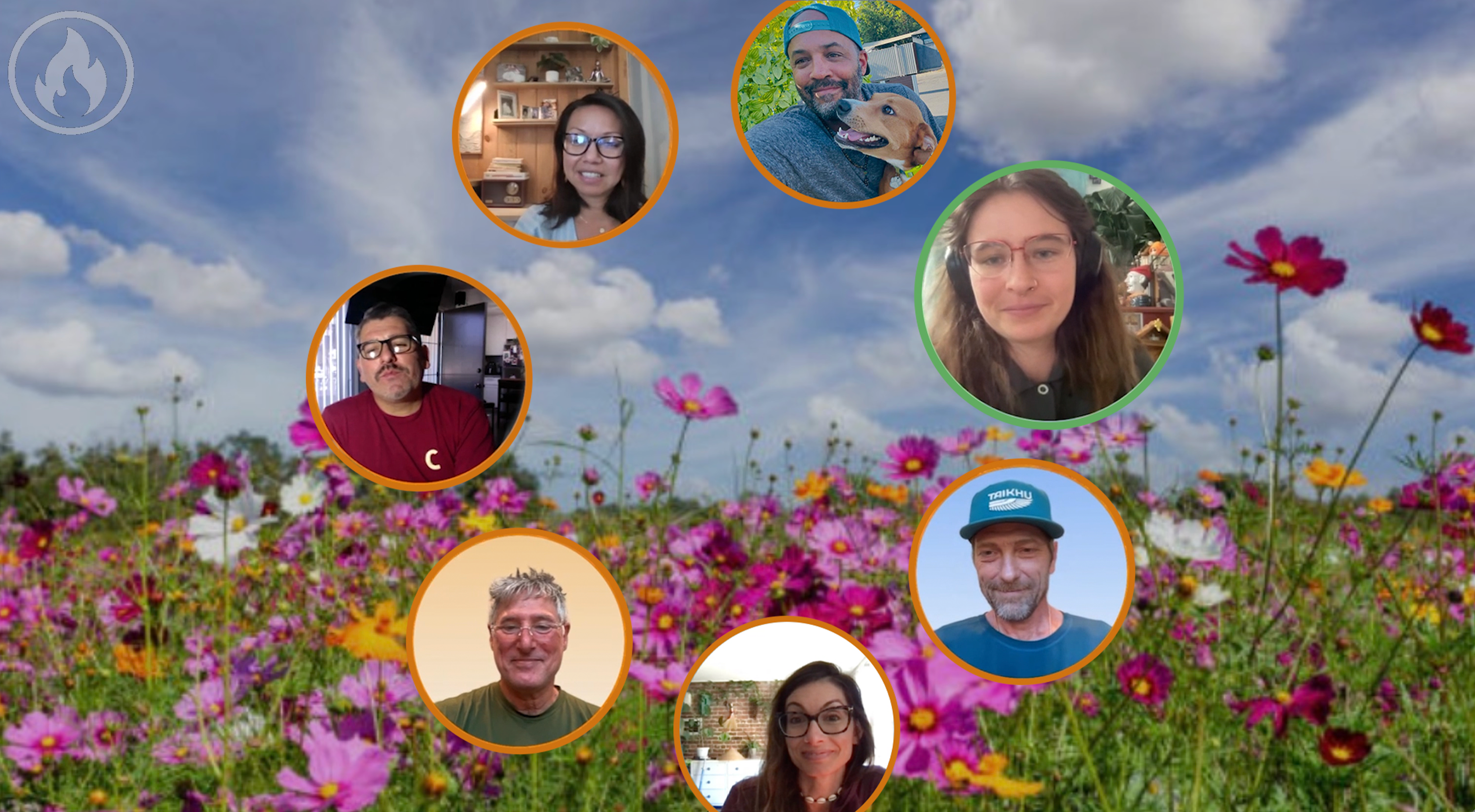
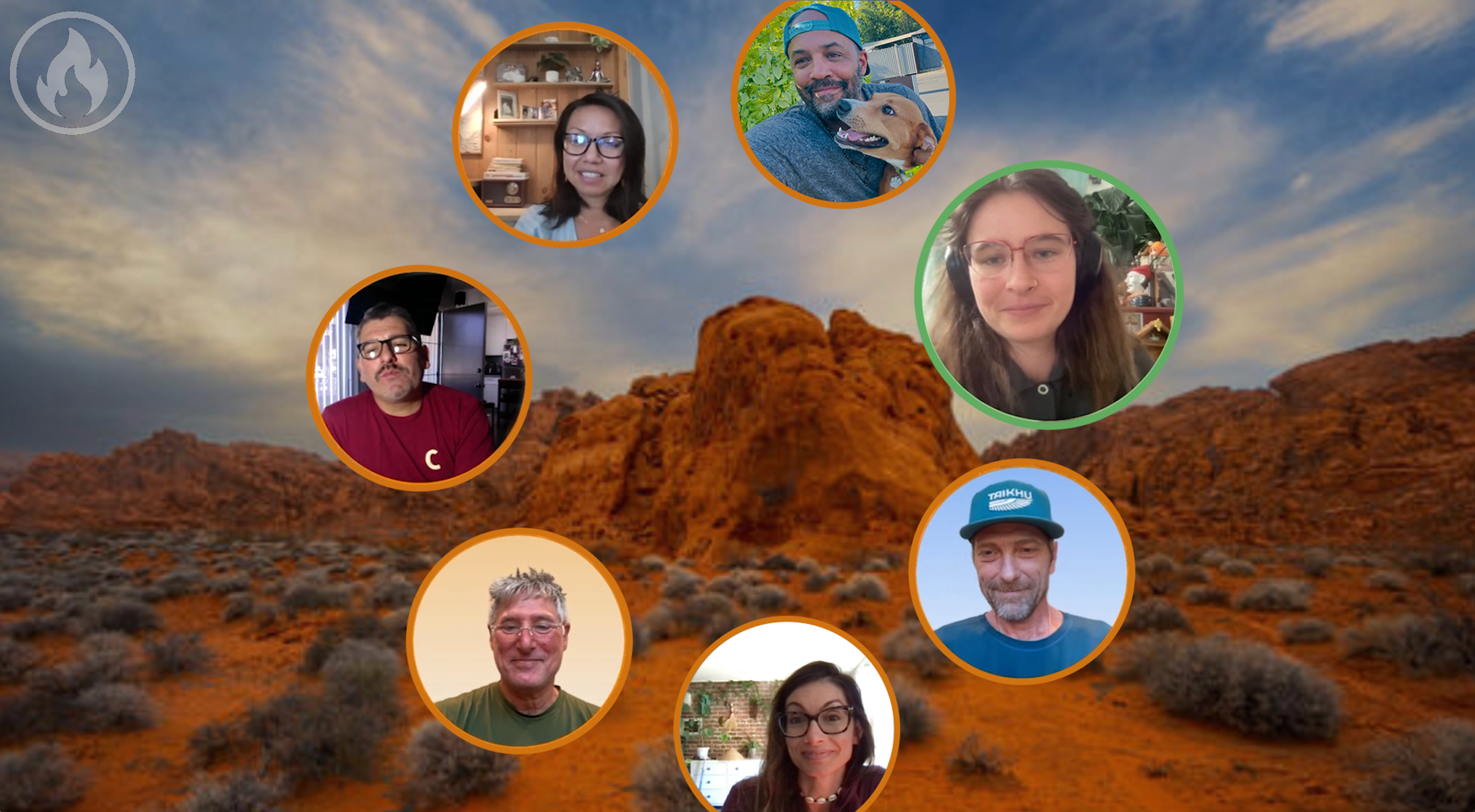
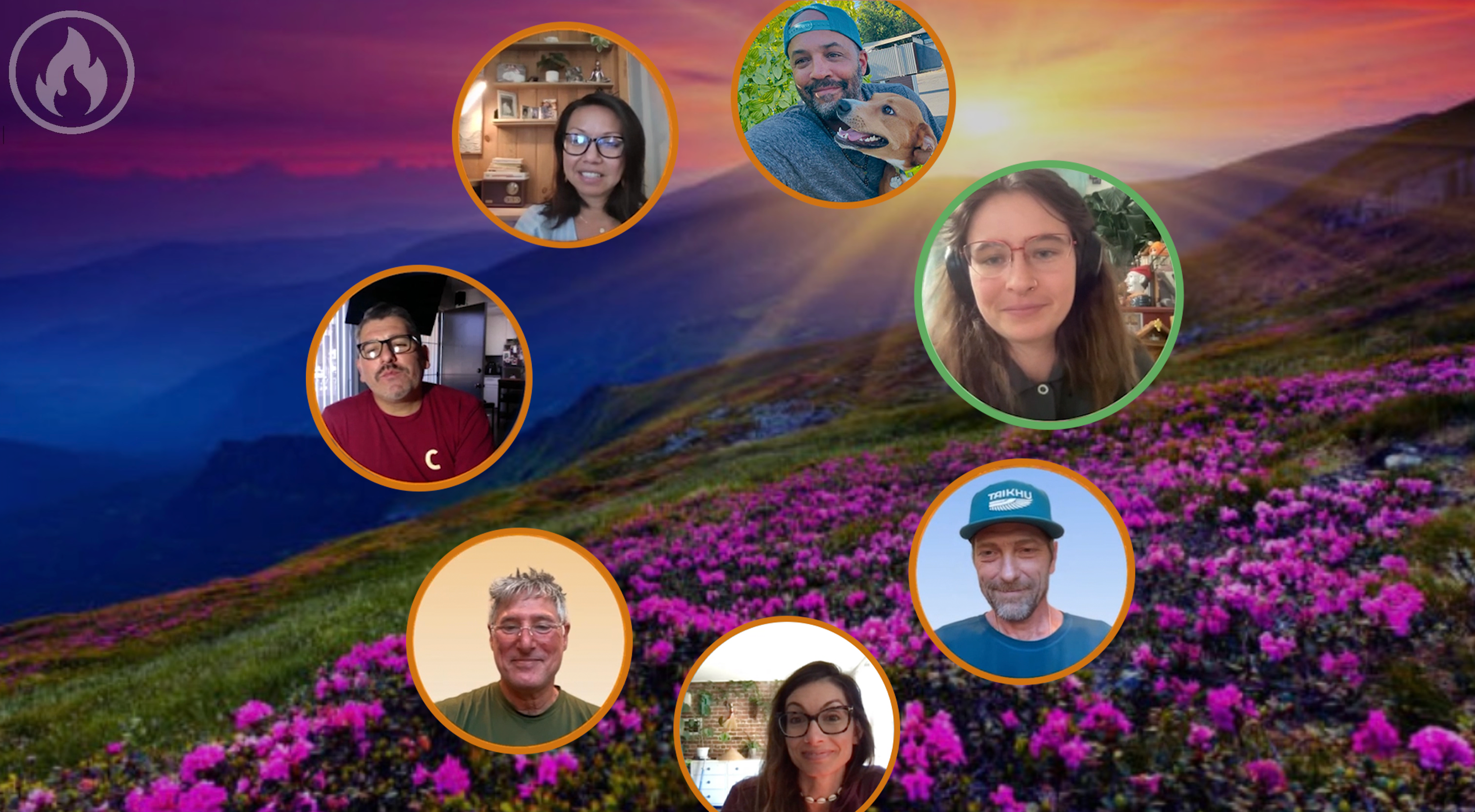
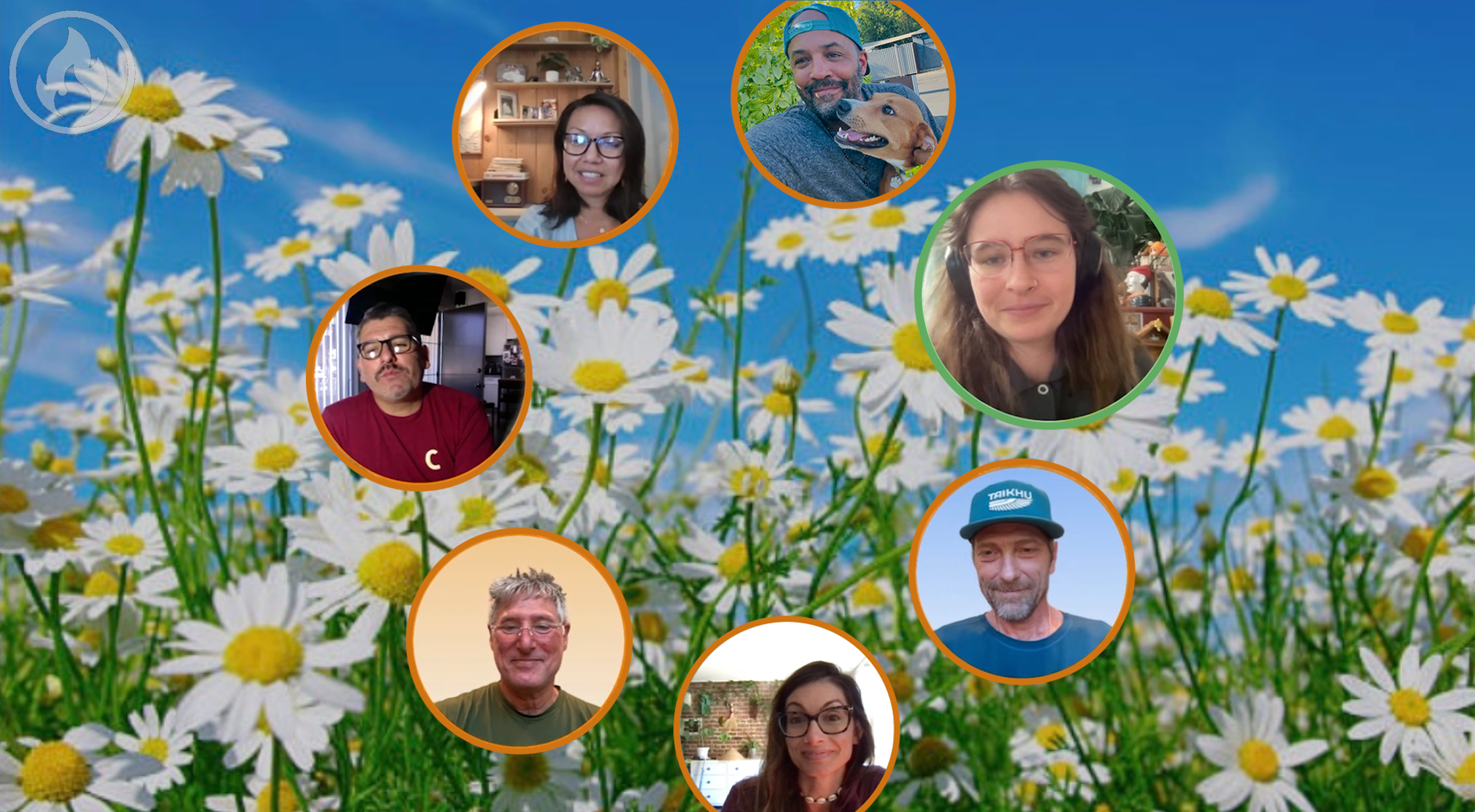
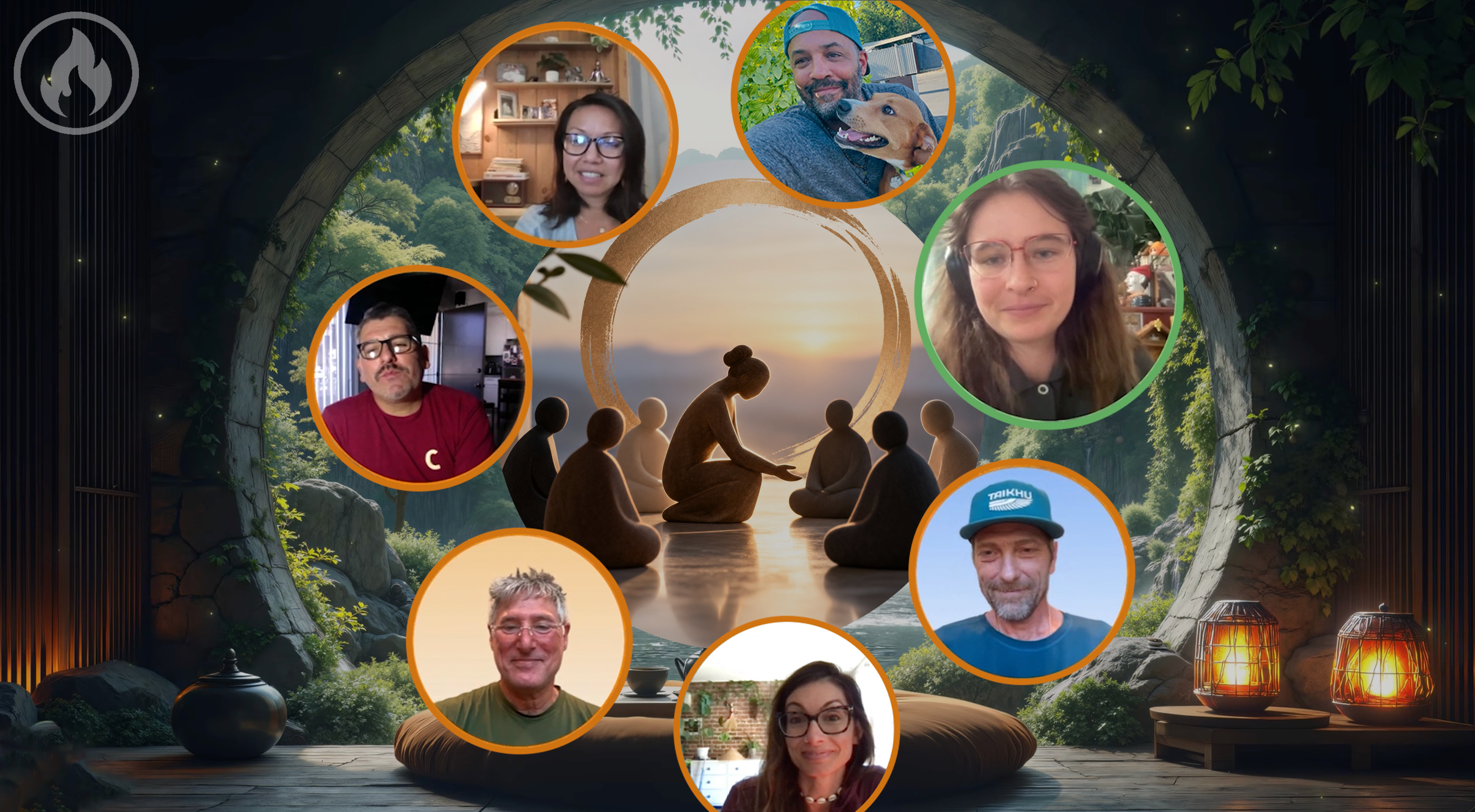
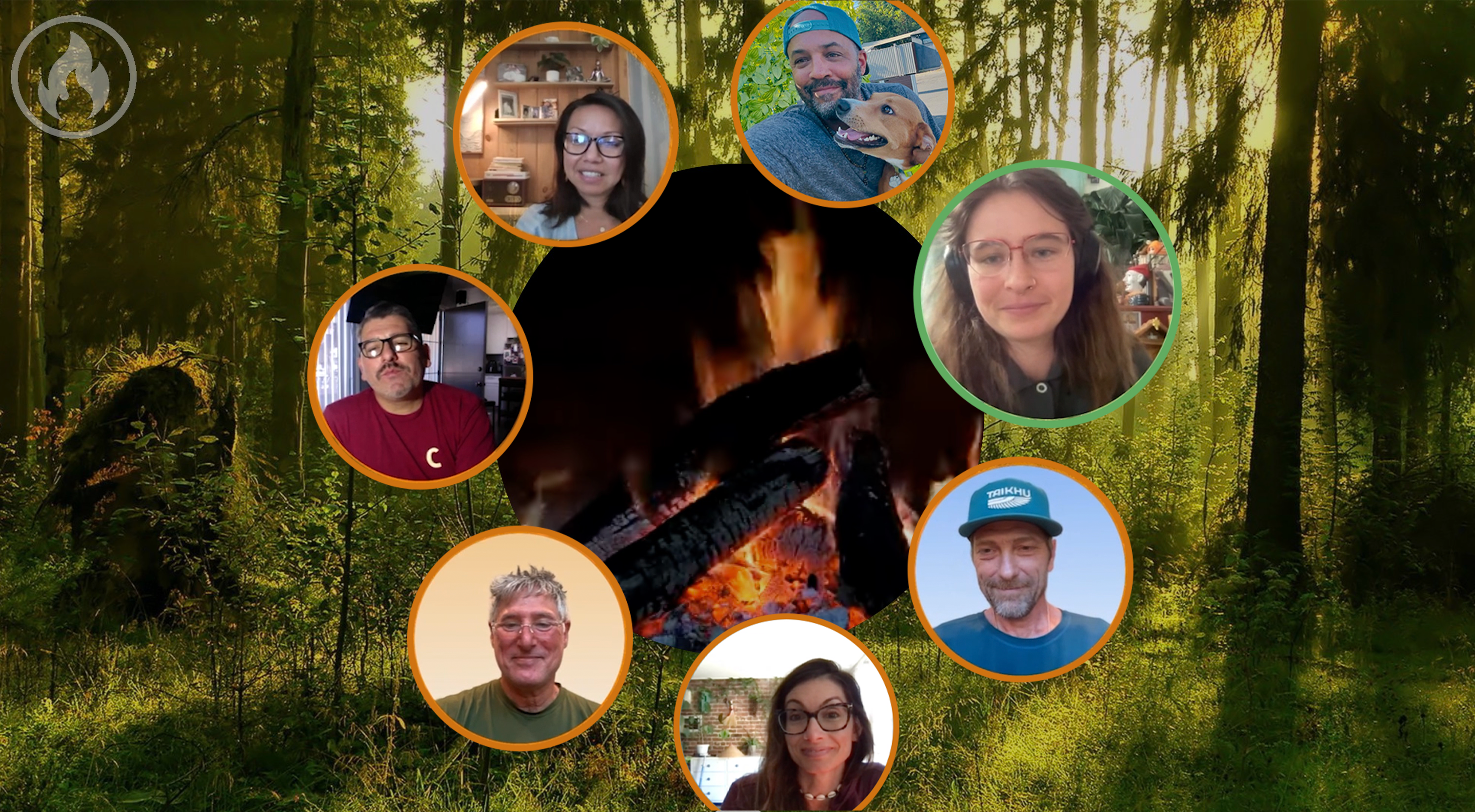
A setting is more than a background. It helps everyone arrive in the same place.
Who gathers here
What these gatherings share is a desire for more attention, honesty, care, and belonging.
Growth, support, reflection, sisterhood, brotherhood, and life transitions.
Grief, recovery, health, caregiving, and spaces for healing.
Conversations that deserve time, patience, and everyone’s full attention.
Prayer, meditation, study, ceremony, and shared reflection.
Community circles, book clubs, civic gatherings, and old friends.
Facilitated conversations centered on listening, insight, and connection.
For hosts and facilitators
Create a setting that matches your purpose. Open with intention. Offer a prompt. Let the talking stick guide the flow so each person has time to speak and the whole group can listen.
CircleUp provides
Privacy
Participants join through a private link and do not need accounts. CircleUp does not record conversations nor collect participant data. Hosts provide an email address so CircleUp can send a secure access link and requested service communications.
So...CircleUp's privacy policy is to NOT collect any user information, so your data will always remain 1000% yours.
Therapists, healthcare providers, and organizations with specific compliance requirements should contact CircleUp before using it for regulated services.
Founding Team
Questions, answered
CircleUp is for small groups of up to 18 people who want to gather with more presence, intention, and care. It works especially well for groups that value deep listening and want every person to have uninterrupted space to speak.
People gather in a circle inside a shared visual environment. The pace feels calmer. One person speaks while everyone else listens. Each participant can be present without competing for airtime or being interrupted.
CircleUp gatherings are available only on a desktop or laptop computer using Chrome, Firefox, or Safari. Participation on mobile phones and tablets is not supported. This is intentional: joining from a computer helps everyone settle in with fewer distractions, listen more deeply, and be fully present with the group. You can browse this website on your phone, but please use a computer to join a circle.
Press the spacebar when you are ready to speak. Your place in the circle glows to show that the talking stick is with you. Press again when you are complete so it can move to the next person who is ready.
Your group can gather around a fire, candle, altar, ocean, forest, waterfall, mountain, desert, lake, temple, church, cave, retreat center, or an imaginative world. Hosts may also choose an image or video that fits the circle’s purpose and tone.
Request an invitation below. CircleUp is free for all users during private beta. The Host Starter Kit includes short videos, guides, sample formats, and practical tips. Facilitator Training is also available if you would like personal support before hosting.
CircleUp is private by design. Participants join through a link and do not need accounts. Conversations are not recorded, and CircleUp does not collect participant data. Hosts can delete a meeting link when it is no longer needed.
CircleUp is free during private beta. We are currently gathering feedback from users about what they feel fair pricing would be for the value CircleUp delivers.
Healthcare providers, therapists, and facilitators should contact us before using CircleUp for services subject to HIPAA or other regulatory requirements. We can discuss the intended use, privacy, security, and applicable agreements.
Hosts can access short videos, articles, how-to guides, and support requests. Customized Facilitator Training is also available.
Private beta
Create a circle where people can slow down, listen with care, and share what matters. CircleUp is free for all users during private beta. Tell us a little about your group and we’ll follow up with next steps.
To participate, you’ll need a desktop or laptop computer with Chrome, Firefox, or Safari. CircleUp gatherings do not work on mobile phones or tablets.


 Host Starter Kit
 Circle templates
 Facilitator Training
 Technical support